
Effortless WordPress Migration: A Comprehensive Guide with GoDaddy
Migrating a WordPress website might seem daunting, but advancements in technology have made the process significantly easier than ever before. In the past, transferring website files and databases from one hosting provider to another was a complex task, often requiring technical expertise and manual intervention. However, modern hosting platforms like GoDaddy have introduced user-friendly migration tools that simplify the entire process, especially for WordPress users.
The introduction of these tools has democratized website migration, empowering non-technical individuals to move their WordPress sites with minimal effort. This article provides a comprehensive guide on how to migrate your WordPress website using GoDaddy’s site migration tool, offering step-by-step instructions, troubleshooting tips, and best practices for a smooth and successful transition. We’ll delve into the intricacies of the migration process, covering everything from initiating the transfer to ensuring your website functions flawlessly on the new hosting environment.
GoDaddy’s Streamlined WordPress Migration Process
GoDaddy’s site migration tool is designed to simplify the often complex process of moving a WordPress website. This tool automates many of the manual tasks involved, such as file transfer, database migration, and configuration updates. The tool is particularly beneficial for those who are not comfortable with technical aspects like FTP, database management, or server configurations.
Recently, I personally experienced the efficiency of GoDaddy’s migration tool when transferring two WordPress websites within the GoDaddy ecosystem. Although I was moving between WordPress plans within GoDaddy, the underlying process mirrored that of migrating from an external hosting provider. This experience provided valuable insights into the tool’s capabilities and its ease of use.
Step-by-Step Guide to Migrating Your WordPress Site with GoDaddy
Here’s a detailed walkthrough of the WordPress migration process using GoDaddy’s migration tool:
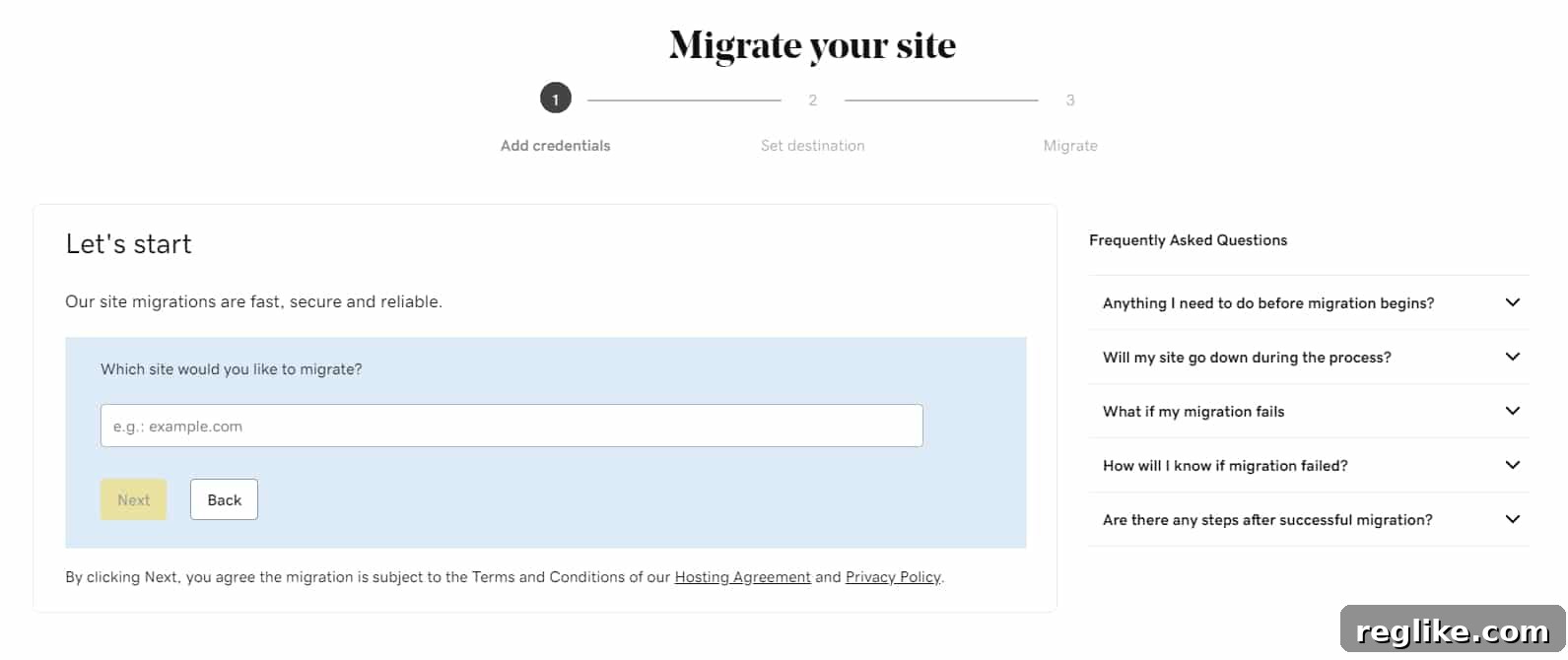
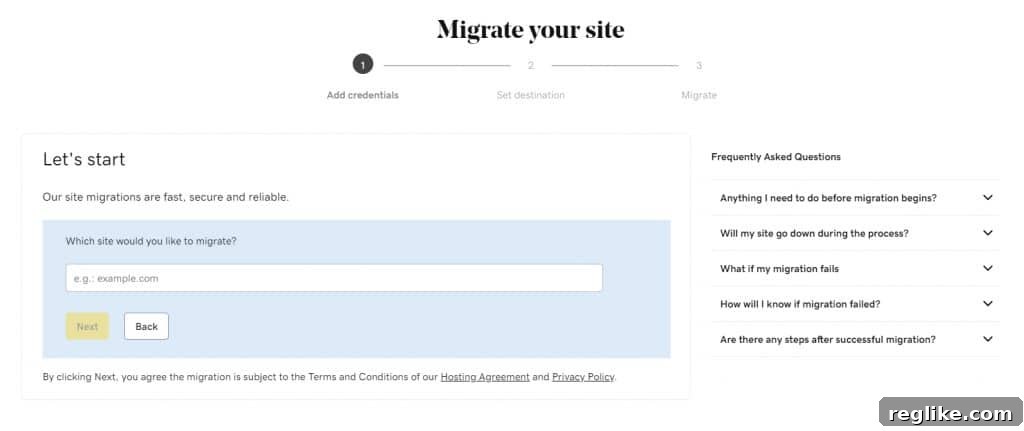
- Enter Your Website’s Domain Name: The first step involves providing the domain name of the WordPress website you intend to migrate. This is essential for the tool to locate and access the necessary files and databases associated with your site. Ensure that you enter the domain name accurately to avoid any errors during the migration process.
- Choose a Data Center Location: Selecting the appropriate data center is crucial for optimizing website performance and ensuring a better user experience. GoDaddy typically offers options for data centers in North America and Europe. Choose the data center that is geographically closest to your target audience to minimize latency and improve website loading speeds.
- Provide Your WordPress Login Credentials: To initiate the migration, the tool requires access to your WordPress website’s administrative panel. You will need to provide your WordPress username and password. This allows the tool to securely log in to your WordPress instance and copy all the necessary files and databases. Make sure to use an account with sufficient privileges (preferably an administrator account) to ensure a complete and successful migration.
Once you’ve completed these three simple steps, GoDaddy’s migration tool takes over the heavy lifting. It automatically logs into your WordPress website, meticulously copies all files, including themes, plugins, and media, and transfers them to your new hosting account. The tool also migrates your WordPress database, which contains all your website’s content, settings, and user information.
The duration of the migration process varies depending on the size of your website and the speed of your internet connection. For my two relatively small websites, the migration process took approximately 10-20 minutes each. Larger websites with extensive media libraries and complex databases may take longer to migrate.
Post-Migration Checklist: Ensuring a Seamless Transition
After the migration process is complete, it’s crucial to thoroughly inspect your website to ensure that everything has been transferred correctly and is functioning as expected. Here’s a checklist of essential tasks to perform:
- Verify Website Functionality: Browse through your website’s pages and posts to ensure that all content is displaying correctly. Check for any broken links, missing images, or formatting issues.
- Test Internal Links: Ensure that all internal links within your website are working correctly. Click on various links to verify that they redirect to the appropriate pages.
- Check Plugin Functionality: Test all your WordPress plugins to ensure that they are functioning as expected. Verify that all plugin settings have been preserved during the migration process.
- Review Media Library: Examine your media library to ensure that all images and other media files have been transferred correctly. Check for any missing or corrupted files.
- Monitor Website Performance: Use website speed testing tools to monitor your website’s performance after the migration. Ensure that your website is loading quickly and efficiently.
In my experience, everything transferred seamlessly, and all plugins functioned correctly after the migration. However, it’s always recommended to perform these checks to ensure a smooth transition and prevent any potential issues.
The Evolving Landscape of Website Migration Tools
GoDaddy’s migration tool is just one example of the many website migration tools available today. Numerous hosting platforms now offer similar tools, making it easier than ever to switch hosting providers. These tools significantly reduce the technical burden associated with website migration, allowing individuals and businesses to focus on their core activities.
However, it’s important to remember that even with these tools, planning is still essential when switching hosting providers. Consider factors such as email migration, DNS propagation, and website downtime. Thorough planning can help minimize disruptions and ensure a seamless transition.
Troubleshooting Potential Issues During Migration
While GoDaddy’s migration tool is generally reliable, you may encounter some issues during the migration process. Here are a few potential problems and their corresponding solutions:
- SSL Certificate Errors: SSL certificate issues can sometimes arise during migration. Ensure that your SSL certificate is properly installed and configured on your new hosting account. Contact GoDaddy’s support team for assistance if needed.
- 503 Errors: A 503 error indicates that the server is temporarily unavailable. This can sometimes occur during the migration process. Try logging out and logging back into your GoDaddy account to resolve the issue.
- Login Loop Issues: An endless login loop can prevent you from accessing your GoDaddy account. Clear your browser’s cache and cookies to resolve this issue. If the problem persists, contact GoDaddy’s support team.
These issues, while potentially frustrating, are often easily resolved with a few simple troubleshooting steps. Don’t hesitate to contact GoDaddy’s support team for assistance if you encounter any difficulties during the migration process.
Conclusion: Empowering Seamless WordPress Transitions
Migrating a WordPress website doesn’t have to be a daunting task. With the advent of user-friendly migration tools like GoDaddy’s, the process has become significantly more accessible and efficient. By following the steps outlined in this guide and taking the necessary precautions, you can seamlessly migrate your WordPress website to GoDaddy and enjoy a smooth transition. Remember to thoroughly test your website after the migration to ensure that everything is functioning correctly. With careful planning and the right tools, you can confidently navigate the world of website migration and unlock new possibilities for your online presence.
The evolution of website migration tools has truly revolutionized the way we manage our online assets. What once required extensive technical knowledge and meticulous manual effort can now be accomplished with a few simple clicks. This empowers individuals and businesses to choose the hosting provider that best suits their needs without the fear of a complex and time-consuming migration process. As technology continues to advance, we can expect even more innovative solutions to emerge, further simplifying the world of website management and empowering individuals to create and maintain thriving online presences.