Use Sched.org to get the most out of NamesCon — How to
Sched.org makes it easier to take advantage of NamesCon’s great keynotes and panel discussions.
NamesCon starts on Sunday in Las Vegas. It’s going to be big (800+ people) and packed with content (125 speakers and panelists). With a number of concurrent sessions, planning is required to make sure you don’t miss out on the sessions that most interest you.
This year, NamesCon used Sched.org to create the schedule. Attendees have received an emailed invitation to use Sched.org to view and create their own schedules as well.
I was initially skeptical regarding using the service, since it’s one more system you have to log in to and figure out how to use. Still, I found it very simple to create a schedule and export it to my Google Calendar. Here’s the simple way I used Sched.org to figure out which sessions I wanted to attend and add them to my calendar.
1. Click the link in the email you received and set a password.
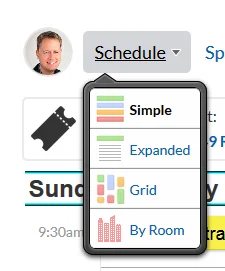
2. Go to the “Schedule” drop down and pick a view. I found “simple” to be the best to quickly see available sessions at each time.
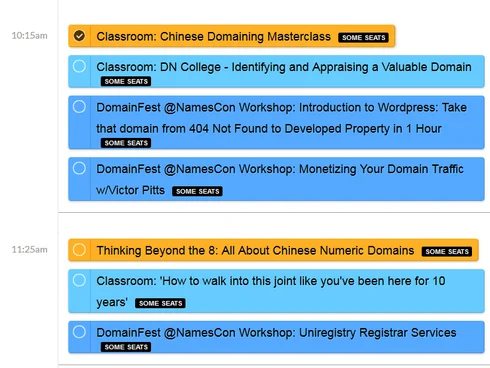
3. Scroll down to view the sessions available at each time. Click the radio button next to the sessions you want to attend.
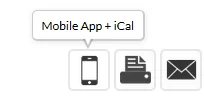
4. Click the mobile phone icon.
5. You’ll see a number of options for connecting Sched.org to your calendar.
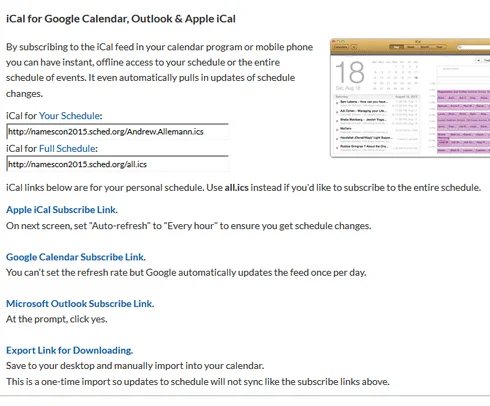
You want to select the options for “your schedule”, not “all”. The simplest way to transfer to your calendar is to click the appropriate Subscribe link. If you’d prefer your calendar to not connect directly to Sched.org, you can export it instead.
Here are instructions for importing an .ics file into Google Calendar.