
Make your eNom account more secure.
Domain name investors who use eNom can now turn on two-factor authentication to secure their accounts.
Setting up two-factor authentication is fairly simple. Once you log into your account, look for “Two Step Verfication” (sic) under the Account Overview:
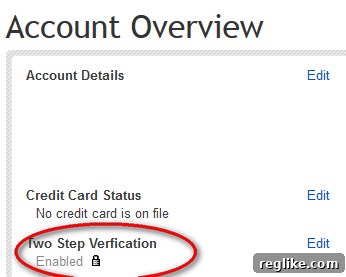
Click edit to start the process. eNom uses the Google Authenticator app, which is simple to set up. It’s also easier to use than a text message system since there are no network delays.
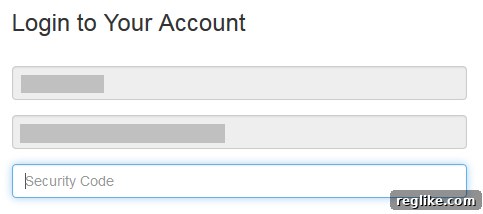
After setting up two-factor authentication, you’ll be prompted for the extra code next time you log in.
A number of valuable domain names have been stolen from eNom accounts over the past couple years, and two-factor authentication can cut down on this. However, I suspect many of the thefts occurred in reseller accounts, and those resellers will also need to offer two-factor authentication to their customers.