Management gets an upgrade — GoDaddy account
GoDaddy has upgraded it’s account management system.
(Update 10/15 – see comment from GoDaddy; this feature is being rolled out in phases but all clients can access the fresh account manager).
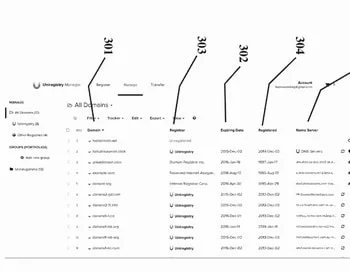
One of my biggest complaints regarding GoDaddy has been its user interface for managing domains and features. GoDaddy offers so many products now that its interface has become clunky. I logged into my account today and it looks like GoDaddy finally got the message and hired a usability specialist.
The fresh domain management section looks similar to a Microsoft Windows application. It has a series of folders on the left side that easily let you view your domains, forwarding, appraisals, backorders/monitoring, DNS, account changes, transfers, and downloads. The old interface showed only a handful of domains at a time, and you could only move to another set of domains by selecting a “page” number. So if you wanted to go to Reglike.com in the account manager, you had to guess which page it was on. Let’s see…alphabetically perhaps it’s on page 3? No, page 4 since I have a lot of domains that start with “c”.
The fresh management system also lets you type in a domain name to go directly to it. It’s also much easier to bulk edit selected domains.
Overall I’m impressed with the upgrade. I hope that other registrars take a look at their account management features and hire a usability specialist to make them easier to use.